Jenkins part (1)
Skilled in managing carrier-grade ISP infrastructure, enterprise environments, and server operations. Enthusiastic about optimizing high-performance networks and exploring emerging technologies. Committed to continuous learning and driven to leverage cloud solutions and automation tools to enhance innovation and efficiency.
After building my Spring Boot application, I dedicated a week to researching how enterprise software is deployed and delivered in real-world scenarios. To reinforce my understanding, I also worked on hands-on lab exercises which, although basic, helped me establish a strong foundation. Along the way, I explored various learning resources and noted key areas for future improvement to enhance the project further.
For my CI/CD pipeline, I'm currently using Jenkins—a mature and widely adopted tool that's still relevant and powerful in modern development workflows.
CI/CD in Simple Terms
CI (Continuous Integration) is all about regularly merging code changes into a shared repo and automatically testing them—so bugs are caught early, not after deployment.
CD (Continuous Delivery/Deployment) takes it further by automating the release process—so once your code passes all checks, it’s ready (or even pushed) to production without manual intervention.
It’s like turning software delivery into a smooth, repeatable machine. No more last-minute surprises before a release.
The biggest win? Speed and confidence—you can ship features faster without worrying about breaking things.
⚙️ Jenkins – The Workhorse of Automation
Jenkins is one of the most popular tools out there when it comes to setting up CI/CD pipelines.
Think of it as your build-and-deploy assistant. You tell Jenkins what to do (via a
Jenkinsfile), and it takes care of compiling, testing, packaging, and deploying your app.It’s super flexible—thanks to thousands of plugins, it plays well with almost every tool in the DevOps ecosystem (GitHub, Docker, Maven, Slack, you name it).
What I love about Jenkins is how it scales—from small side projects to enterprise-grade pipelines running on distributed agents.
Resources used for learning:
https://www.youtube.com/watch?v=OPwU3UWCxhw&t=1089s
I found this video to be a great starting point—it gave me a clear understanding of what an ideal pipeline should look like, especially at my current stage of learning. There's still a lot more to explore, but this was a solid foundation.
Whether you're creating pipelines or just starting to learn about them, YouTube has tons of free resources available. One key takeaway for me was the importance of learning Groovy, the scripting language used to write Jenkins pipelines.
Here’s a link that really helped me grasp Groovy quickly. It’s especially useful because it compares Groovy syntax with Java, making it easier to understand for those with a Java background.
https://exalate.com/blog/groovy-scripting
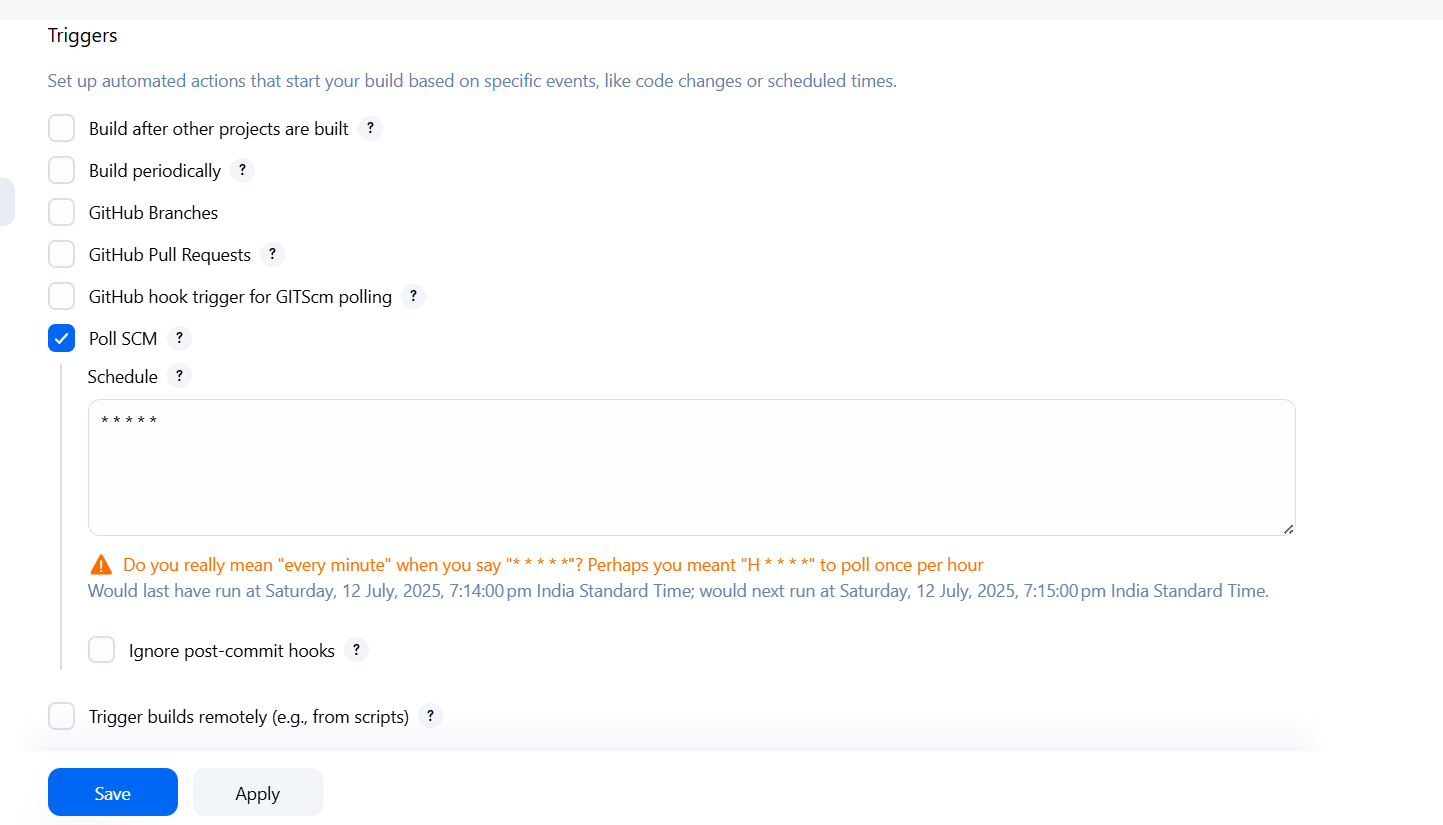
Make sure all the necessary plugins are installed, such as Git, GitHub, and Maven.
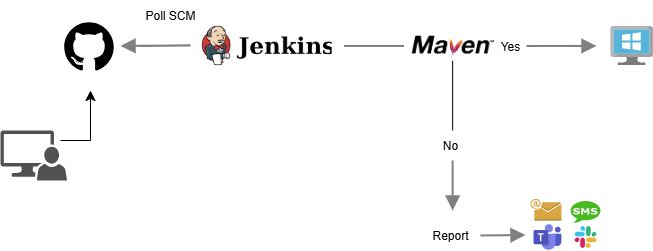
Nothing fancy in my project setup — the source code is pushed to a GitHub repository, and Jenkins is currently configured to poll the repository every minute (which I know isn't ideal). I plan to switch to webhooks in future iterations. For now, each commit triggers the Jenkins pipeline through polling, which builds and deploys the latest code changes to my local server.
pipeline {
    agent any

    stages {
        stage('Clone Repository') {
            steps {
                echo '📥 Cloning GitHub repo...'
                git branch: 'main', url: 'https://github.com/Kashimo0054/TODO-APP-with-a-frontend.git'
            }
        }

        stage('Build with Maven') {
            steps {
                echo '🔧 Building with Maven...'
                bat 'mvn clean install'
            }
        }
    }

    post {
        success {
            echo '✅ Build completed successfully.'
        }

        failure {
            echo '❌ Build failed.'
        }
    }
}
In your Jenkins pipeline script, the keywords agent, stages, stage, and post are part of Declarative Pipeline syntax, which is a structured and easy-to-read format for writing Jenkins pipelines. Here's what each part means:
agent any
Meaning: Tells Jenkins to run the pipeline (or a specific stage) on any available agent (i.e., build node/worker).
Agent: Think of an agent as a machine or environment where Jenkins runs your jobs (build, test, deploy, etc.).
You can also define specific agents, like
agent { label 'linux' }to run on Linux nodes.
stages
Meaning: A block that groups multiple
stagesections.Purpose: Each
stageinsidestagesrepresents a step or phase in your CI/CD process (e.g., Clone, Build, Test, Deploy).Jenkins shows each
stagevisually in the UI.
stage
Meaning: Defines a single phase or step in your pipeline.
Inside
stage: You definestepsthat are executed when that stage runs.Example:
  stage('Build with Maven') {
      steps {
          bat 'mvn clean install'
      }
  }
post
Meaning: This block runs after all the stages are complete—it handles cleanup, notifications, and reporting.
Common conditions inside
post:success– runs if the pipeline succeeds.failure– runs if any part of the pipeline fails.always– runs no matter what.
Example:
  post {
      success {
          echo '✅ Build completed successfully.'
      }
      failure {
          echo '❌ Build failed.'
      }
  }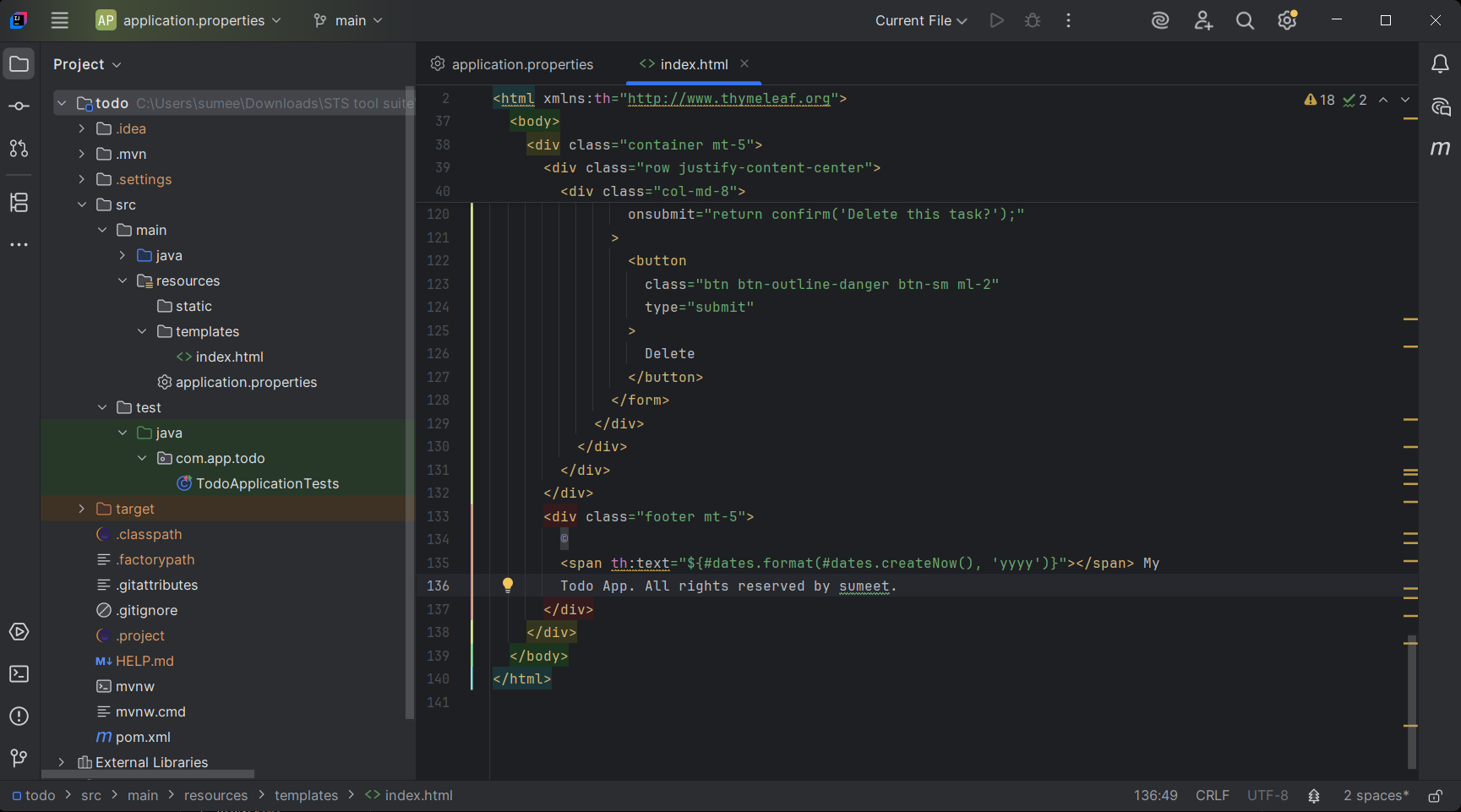
For now, I made a minor update to the HTML file by modifying the footer text from:
"Todo App. All rights reserved by Sumeet."
to
"Todo App. All rights reserved."
and pushed the changes to the remote repository.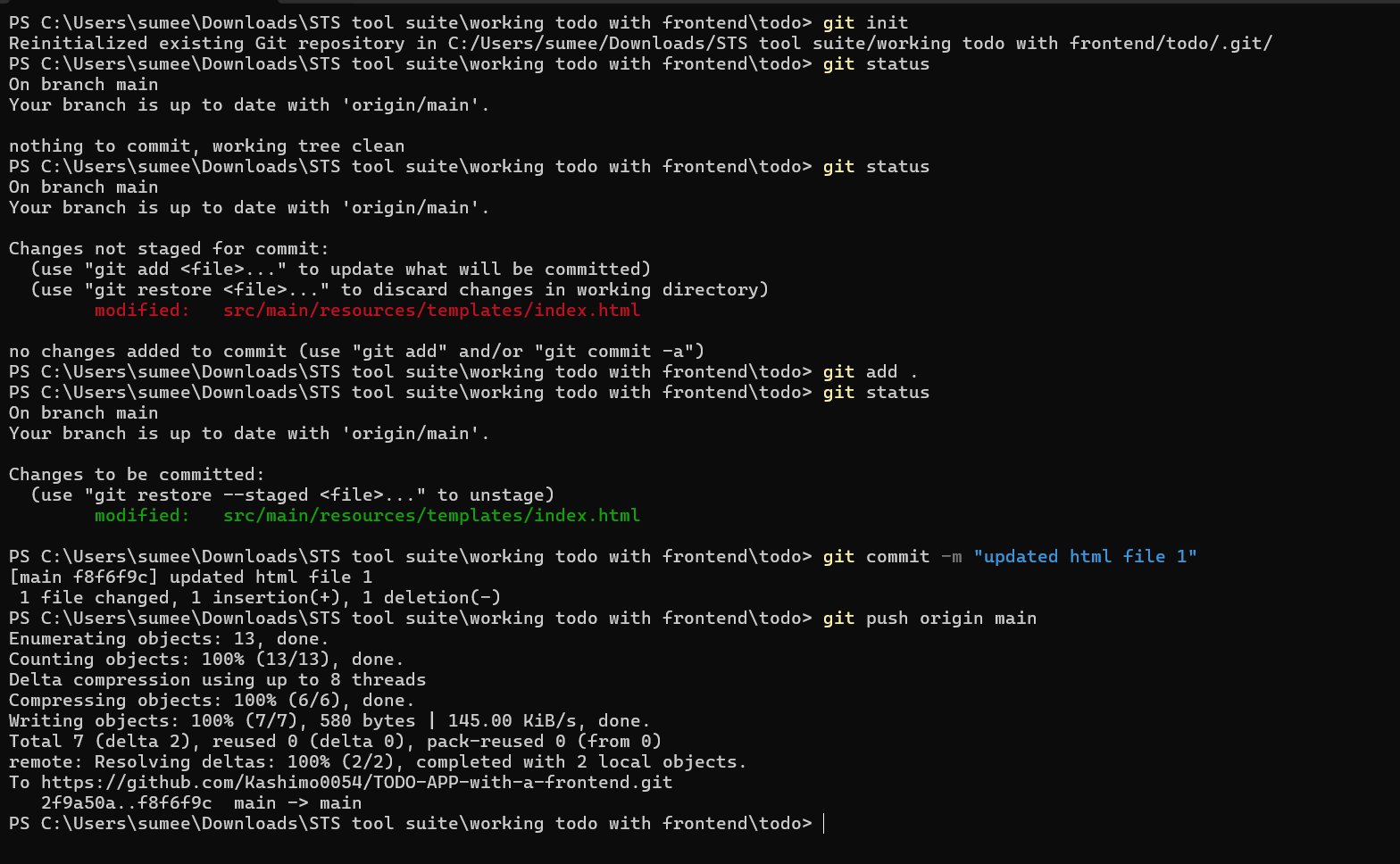
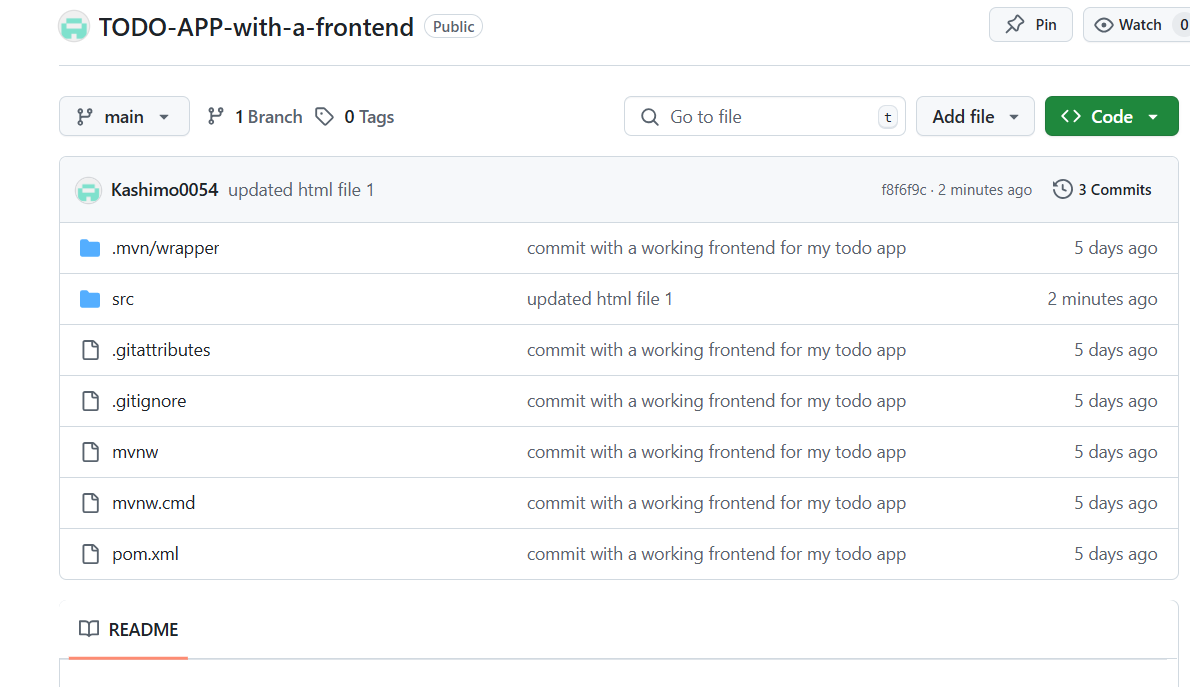
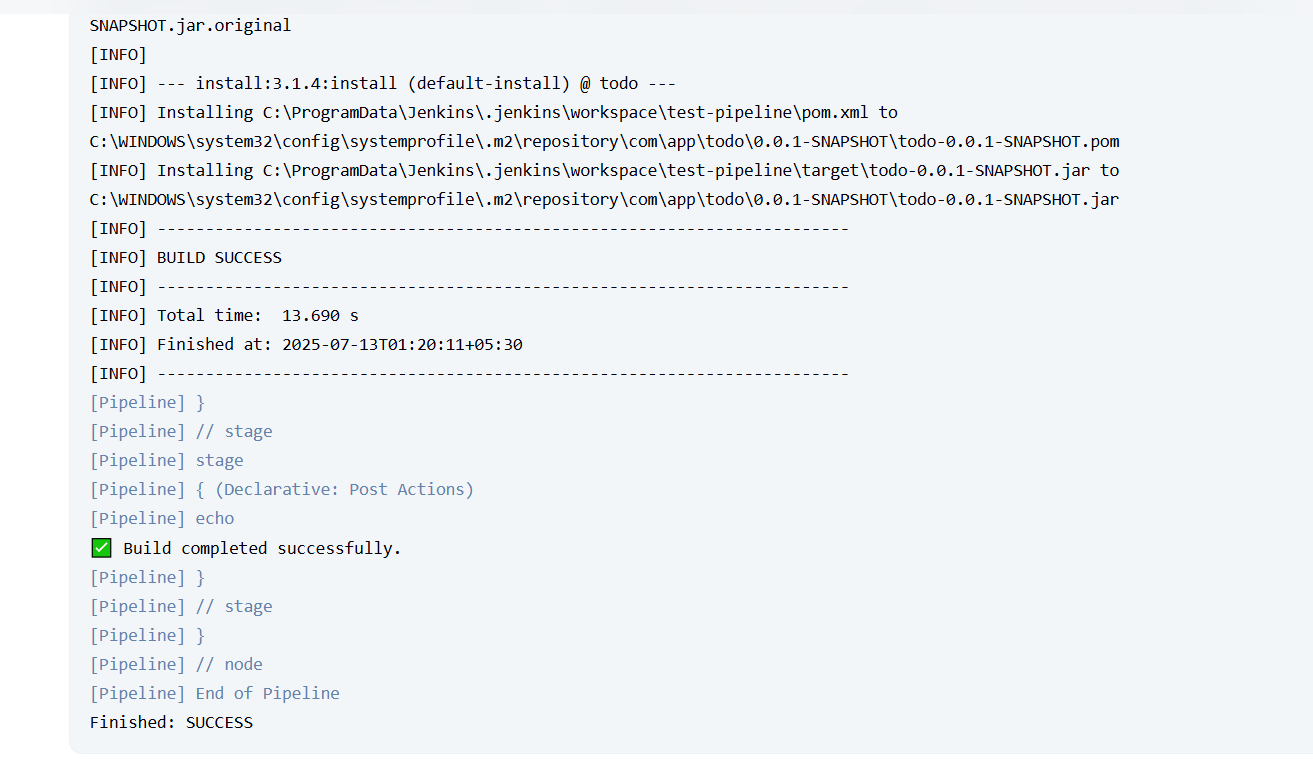
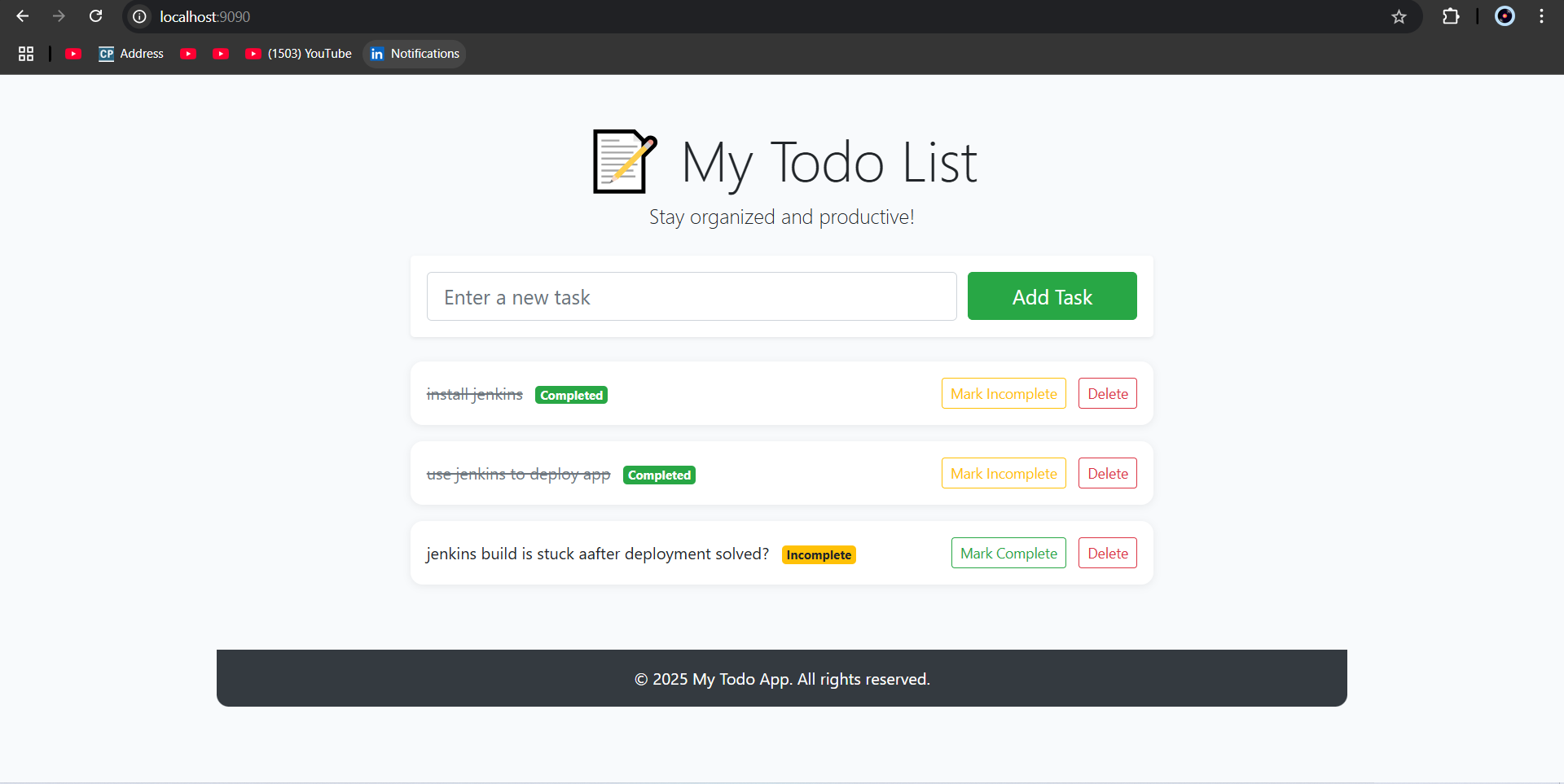
Currently, the main challenge I'm facing is that after a successful build, my application is not automatically deployed. If I try to run the application using a PowerShell command in the post-build action, the build process gets stuck.
While using a Windows Task Scheduler job to watch for new
.jarbuilds and trigger the application is an option, it undermines the goal of having a fully automated deployment phase. For now, I manually run the application using:java -jar target/todo-0.0.1-SNAPSHOT.jarThis approach reflects the latest build changes, but it's not ideal.
A more robust solution would involve using Docker containers for packaging and running the application, or implementing a GitOps workflow using a continuous delivery tool like ArgoCD. These tools help automate deployments in a reliable and scalable way. I plan to explore this in more depth as I continue to grow and refine this project.


